
Click to download now, finish the installation quickly, and directly unlock the all-round experience
Screenshots
Click to download now, finish the installation quickly, and directly unlock the all-round experience
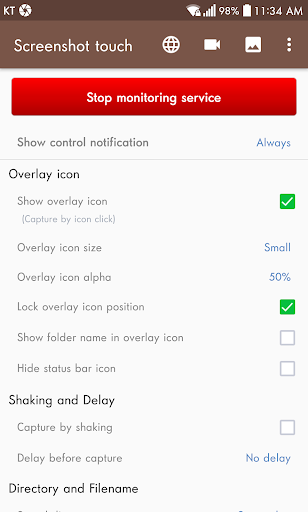
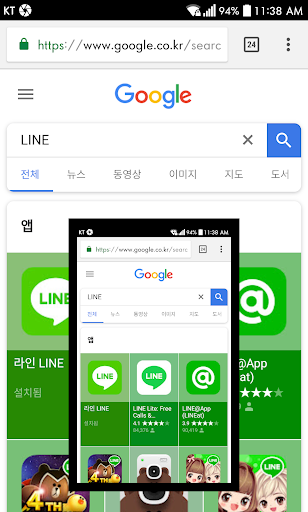
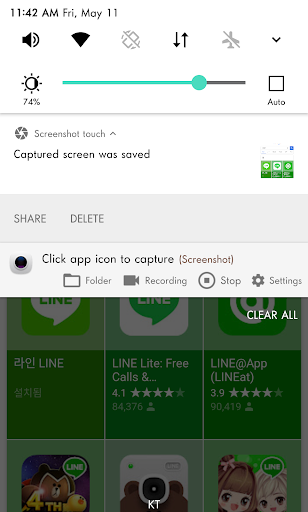
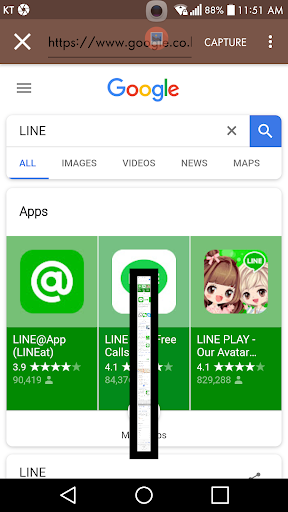
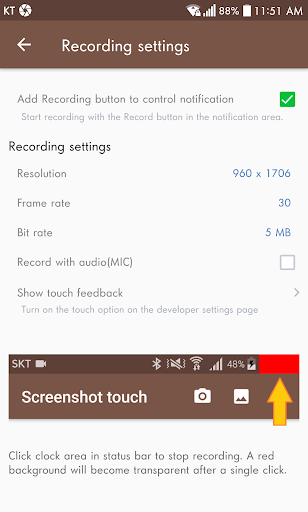
Screenshot touch captures screenshots through an on-screen button, the notification area or a shake of the device. It also records screen video and can capture a full scrolling web page in its own browser. That makes it useful for people who regularly save instructions, conversations, web pages or app screens. Some secure apps, including banking and DRM apps, block capture.
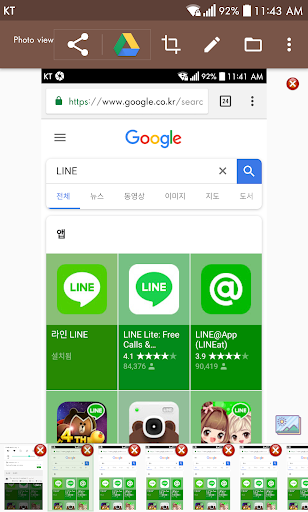
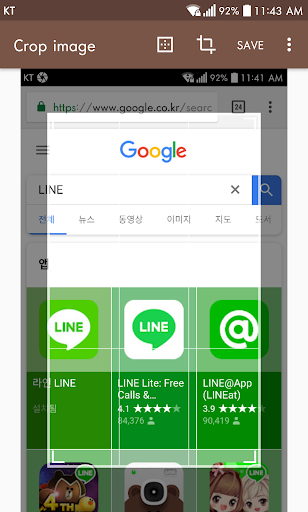
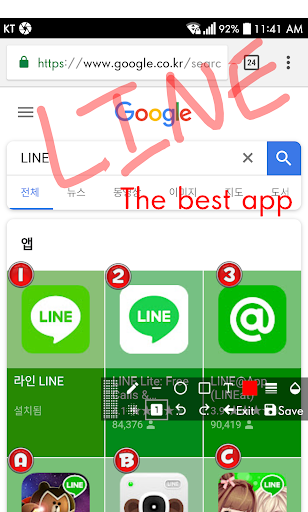
After capture, you can crop or mark up images with text and shapes, stitch images together, combine pictures or turn them into PDFs. There’s also a document scanner, photo viewer and sharing to other apps. Settings cover things like save locations, file format, image quality and capture delay; multiple saving folders are available, with full access to that feature listed as an in-app purchase.
The app contains ads. In-app purchases can remove them, unlock full use of multiple saving folders and enable WebP and HEIF image formats. Captures and recordings take storage space, and organising them into folders may help if you save a lot. Screen capture uses Android’s Media Projection service, which displays a consent prompt. The optional persistent notification keeps a shortcut available, but it stays in the notification area.
Screenshot touch is a Tools app by Daejeong Kim. Its 4.46-star rating from 210,575 reviews and 10,000,000+ installs suggest it has found a large audience. Those numbers offer context, not a guarantee that its controls, ads or editing tools will suit your habits.