Mobile Scanner App - Scan PDF
Glority Global Group Ltd.
Downloads
10,000,000+
Source
Google Play
Click to download now, finish the installation quickly, and directly unlock the all-round experience
Screenshots
Click to download now, finish the installation quickly, and directly unlock the all-round experience
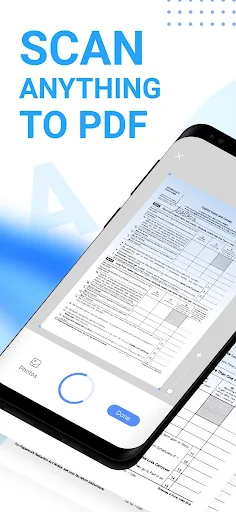
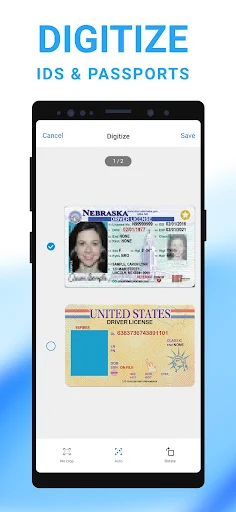
Mobile Scanner App - Scan PDF uses your phone camera to capture documents such as receipts, notes, photos, books and contracts. It is aimed at people who need digital copies while away from a flatbed scanner, or want to keep paper records together as files. Scans can be saved as PDFs or images, and the app also supports Word output.
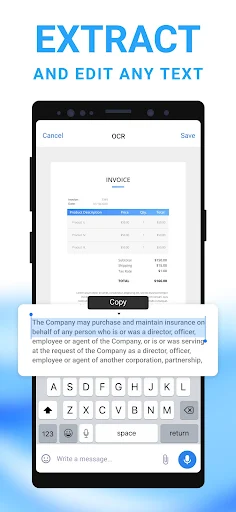
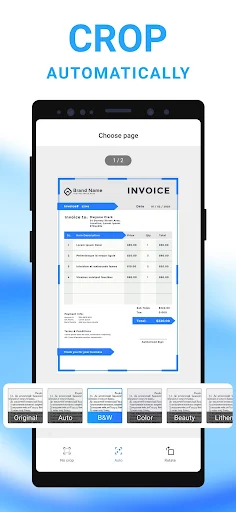
The app can detect page edges and crop around them, with controls to rotate, resize and adjust colour. Filters and editing tools can help tidy up marks or creases. Its OCR feature recognises text in scanned material: you can edit the extracted text, save it as a text file, or make searchable PDFs. Recognition results may need checking, especially when the source is faint, skewed or handwritten.
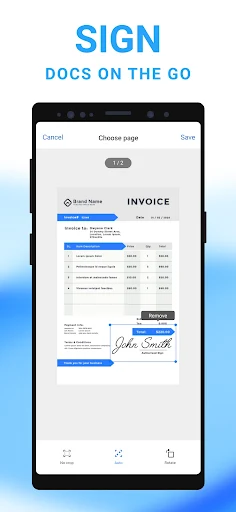
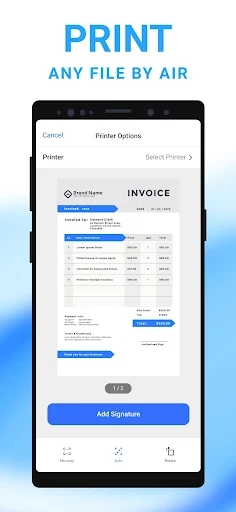
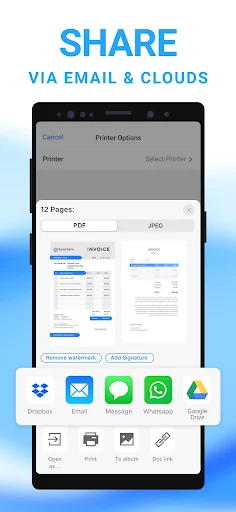
Folders and drag-and-drop ordering help sort scans. You can combine multiple pages into one PDF, add a signature, and share documents by email. The app also offers uploads to Dropbox, Google Drive and OneDrive, plus PDF printing. Passwords can be set on documents and folders, which may be useful for private records; that feature is not a substitute for checking how files are stored or shared.
Glority Global Group Ltd. is the developer. The listing reports 10,000,000+ installs and a 4.62 out of 5 rating from 110,052 reviews, suggesting the app has a large user base. Those figures do not tell you how well it handles your particular documents. If you plan to scan sensitive paperwork, review the permissions it requests and consider the storage and cloud-sharing choices before adding personal records.